
Windows Store
-64% OFF
Instant Delivery
Games
Official Windows Store activation key for Xbox Game Pass for PC 1 Month (EU). Delivered automatically to your HootEmpire vault immediately after checkout confirmation—no waiting, no manual processing.
Tags & Genres
#Windows Store
#DigitalKey
#InstantDelivery
- 1 Complete checkout to receive your Windows Store activation key instantly in your HootEmpire vault.
- 2 Sign into the official Windows Store launcher or website and open the Redeem / Activate Code menu.
- 3 Enter your key and confirm to permanently bind Xbox Game Pass for PC 1 Month (EU) to your account.
Need help redeeming a key? Reach out anytime on our
Support page
or
Discord
.
Verify your account region matches one of the supported regions below before purchasing:
 Europe
Keep Exploring
Browse All
Related Keys You Might Like
Official website
-35%
MS Office 2013 Home and Student
€14.13
€21.90
View →
PSN
-57%
Life is Strange: Before the Storm Classic Chloe Outfit Pack PS4 PSN Key GLOBAL
€1.70
€4.00
View →
Steam
-45%
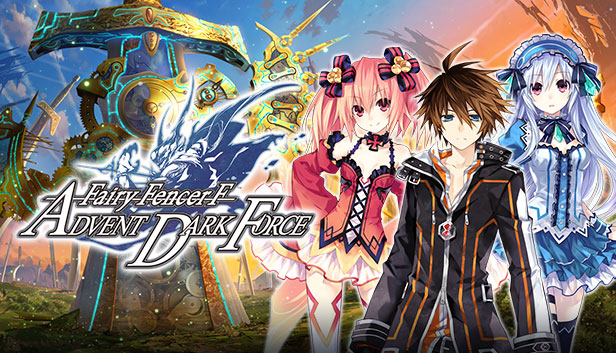
Fairy Fencer F ADF Deluxe Pack (PC) - Steam Key - GLOBAL
€5.03
€9.10
View →
Other
-51%
South Park: The Fractured But Whole (Gold Edition) (Ubisoft Connect) (US)
€18.30
€37.69
View →
€16.90
€46.47
Instant Digital Key