Steam Vault Features
Trading Cards
Not Included
Achievements
Not Included
+1 Count / Boost
No +1 Count
The Vortex is intended to be the safest and most elegantly designed audio discussion space in the metaverse and beyond.
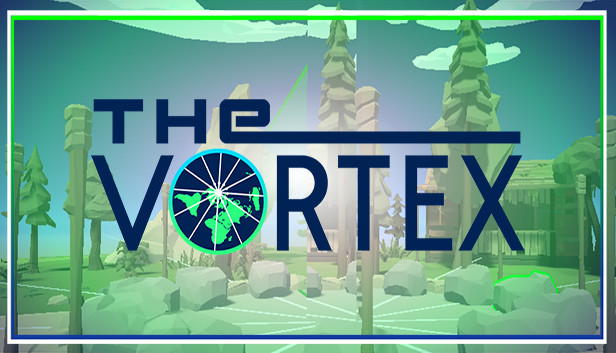
Every vortex room is facilitated by a robotic laser facilitator that operates the discussion circle. Visitors to any vortex room will see a circle of stones in the center where they can sit if they wish to participate in the discussion rounds. Participants are each given an equal amount of time to speak and they can pass without speaking or whenever they are finished. The microphone rotates automatically, so no human needs to “warn” or “facilitate” people if their time is almost up.
All vortex circles have 12 stones for up to 12 active participants. Additional people can be in the room as audience members. Audience members can press a button to get in line for the next available open stone.
Users may create their own vortex rooms where they can change the amount of time per person to speak. The creator of every room has the ability to pin and change messages such as topics on a virtual display board in the room if they wish.
Tags & Genres
#Software
#Utilities
#Time Management
#3D
#Relaxing
#Conversation
#Free to Play
#Early Access
#Simulation
#Multiplayer
- 1 Open the Steam desktop client and log into your Steam account (or open Steam Web Activation ).
- 2 Click Games in the top menu bar, then select Activate a Product on Steam…
- 3 Paste the product key delivered to your HootEmpire Order Vault and click Next.
- 4 Vortex is permanently added to your Steam library and ready to download.
Need help redeeming a key? Reach out anytime on our
Support page
or
Discord
.
Verify your account region matches one of the supported regions below before purchasing:
 Worldwide
Keep Exploring
Browse All
Related Keys You Might Like


€2.42
€6.62
Instant Digital Key