Steam Vault Features
Eligible for +1 Library Boost
Trading Cards
Supported
Achievements
Supported
+1 Count / Boost
Counts +1
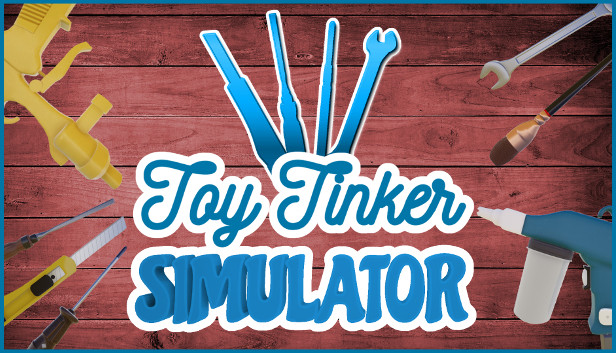
Repair toys
- Disassemble/assemble toy parts and go through the repair processes like cleaning, painting, sandblasting, coating, sanding, sewing, filling/stuffing etc
- Repair as many toys as possible to earn more money and experience
- Take before/after photos to see the progress
- Buy furniture, carpets, paintings, plants, flowers, etc and design your office
- Buy new tools and equipment to increase your portfolio
- Buy and repair unique toys
- Buy new buildings and design your toy-museums
- Level up and become master
- Play with master-toys after successful deliveries
Tags & Genres
#Simulation
#Building
#Realistic
#First-Person
#Trading
#Sandbox
#Family Friendly
#Relaxing
#Singleplayer
#Inventory Management
#Indie
#3D
#Cute
#Funny
#Design & Illustration
#FPS
#Resource Management
#Immersive Sim
#Anime
#Historical
- 1 Open the Steam desktop client and log into your Steam account (or open Steam Web Activation ).
- 2 Click Games in the top menu bar, then select Activate a Product on Steam…
- 3 Paste the product key delivered to your HootEmpire Order Vault and click Next.
- 4 Toy Tinker Simulator (Steam) is permanently added to your Steam library and ready to download.
Need help redeeming a key? Reach out anytime on our
Support page
or
Discord
.
Verify your account region matches one of the supported regions below before purchasing:
 Worldwide
Keep Exploring
Browse All
Related Keys You Might Like



€2.14
€3.22
Instant Digital Key