Steam Vault Features
Trading Cards
Not Included
Achievements
Supported
+1 Count / Boost
No +1 Count
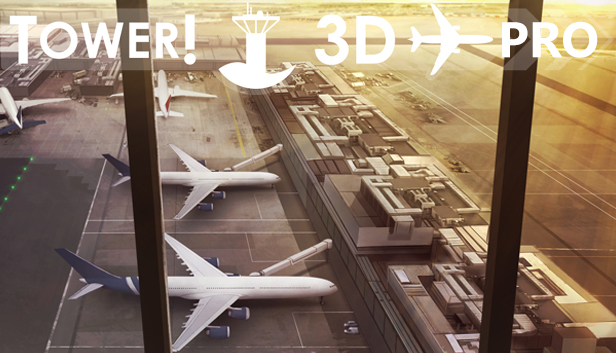
Tower!3D Pro is a successor of the best selling Tower! 2011 airport tower simulator.
Your assignment is to guide aircraft of various sizes and capabilities to and from the active runway for landing and takeoff. As a tower controller you must assure that it safe for a plane to enter or cross a runway, assign taxiway routes, when to stop and start movement, and clear aircraft for take off.
Tower!3d Pro provides you with flight strips, ground and air radar screens and a full 3D view of each airport.
Tower!3D Pro is no arcade game. With a complex command structure, advanced AI and Speech Recognition technology Tower!3D Pro will allow you to experience of the thrill of being a real air traffic controller.
- 3 photorealistic airports
- Voice recognition
- Multiplayer
- Multi monitor
- Advanced AI pilots to follow your commands
- Stunning 3D rendering of the airports
- Runway assignments for arriving and departing aircraft may be changed
- Runway intersection takeoffs are simulated
- Advanced routing to and from the runways and terminals can be assigned
- Dynamic lighting and shadows, day-night cycles provide a stunning visual experience
- Live airport with service cars for airplanes and vehicle traffic around the airports
Tags & Genres
#Simulation
#Flight
#Voice Control
#Management
#Multiplayer
#Realistic
- 1 Open the Steam desktop client and log into your Steam account (or open Steam Web Activation ).
- 2 Click Games in the top menu bar, then select Activate a Product on Steam…
- 3 Paste the product key delivered to your HootEmpire Order Vault and click Next.
- 4 Tower!3D Pro is permanently added to your Steam library and ready to download.
Need help redeeming a key? Reach out anytime on our
Support page
or
Discord
.
Verify your account region matches one of the supported regions below before purchasing:
 Worldwide
Keep Exploring
Browse All
Related Keys You Might Like




€44.38
€92.31
Instant Digital Key