Steam Vault Features
Trading Cards
Not Included
Achievements
Supported
+1 Count / Boost
No +1 Count
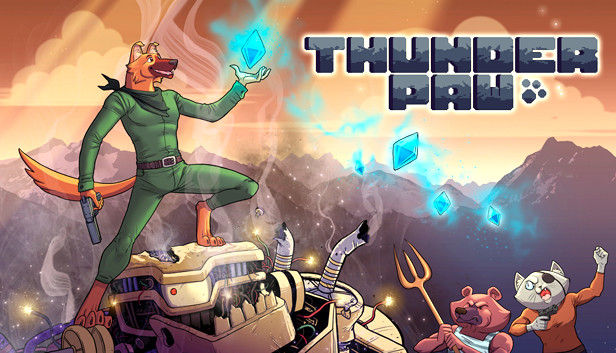
In a day, Thunder was playing ball near the house when suddenly a loud explosion was heard, so powerful that it destroyed the windows of the family home and dropped the trees nearby. «Mom! Dad!» Thunder screamed alarmed. He ran home, but found nobody there. He found only a letter lying on the ground, in which it was written that his parents had been kidnapped. The brave Thunder decided to save his parents and find the culprit.
Discover a pixel-art platformer with five different levels and different scenarios, as well as a ton of weapons to be used to annihilate each level boss.
Keyboard controls: move with WASD, shoot with Z or O, change weapon with X or P and jump with Space.
Gamepad controls: move with left analog stick or D-pad, shoot with X button, change weapon with B button and jump with A button.
Tags & Genres
#Action
#Indie
#Adventure
#Platformer
#Pixel Graphics
#Exploration
#2D
#Singleplayer
- 1 Open the Steam desktop client and log into your Steam account (or open Steam Web Activation ).
- 2 Click Games in the top menu bar, then select Activate a Product on Steam…
- 3 Paste the product key delivered to your HootEmpire Order Vault and click Next.
- 4 Thunder Paw is permanently added to your Steam library and ready to download.
Need help redeeming a key? Reach out anytime on our
Support page
or
Discord
.
Verify your account region matches one of the supported regions below before purchasing:
 Worldwide
Keep Exploring
Browse All
Related Keys You Might Like

€1.76
€3.52
Instant Digital Key