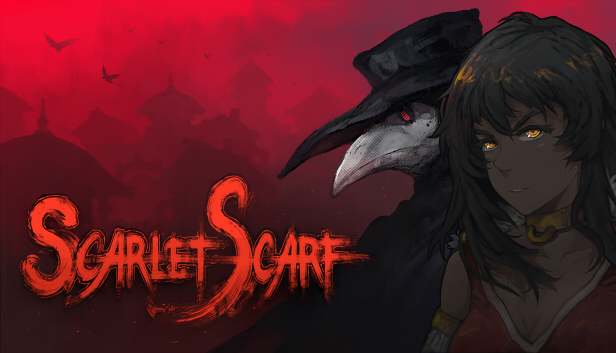
Steam Vault Features
Eligible for +1 Library Boost
Trading Cards
Supported
Achievements
Supported
+1 Count / Boost
Counts +1
Approved by Steam users
About the Game
Until June 2017 all newly submitted games had to pass the public vote and receive approval from gamers worldwide in order to be published on Steam. We honour the memory of the Steam Greenlight system and would like to thank everyone who voted for Scarlet Scarf and was with us during that unforgettable time.
About the Game
Tags & Genres
#Visual Novel
#Dark Fantasy
#Story Rich
#Horror
#Atmospheric
#Anime
#Hand-drawn
#Choices Matter
#RPG
#Mystery
#Emotional
#Adventure
#Lore-Rich
#Gore
#Choose Your Own Adventure
#Text-Based
#Nonlinear
- 1 Open the Steam desktop client and log into your Steam account (or open Steam Web Activation ).
- 2 Click Games in the top menu bar, then select Activate a Product on Steam…
- 3 Paste the product key delivered to your HootEmpire Order Vault and click Next.
- 4 Sanator: Scarlet Scarf is permanently added to your Steam library and ready to download.
Need help redeeming a key? Reach out anytime on our
Support page
or
Discord
.
Verify your account region matches one of the supported regions below before purchasing:
 Worldwide
Keep Exploring
Browse All
Related Keys You Might Like



€4.04
€10.13
Instant Digital Key