
Steam
-65% OFF
Instant Delivery
Games
Steam Vault Features
Trading Cards
Not Included
Achievements
Not Included
+1 Count / Boost
No +1 Count
Official Steam activation key for RuneScape Teatime Max Pack (DLC) (Steam). Delivered automatically to your HootEmpire vault immediately after checkout confirmation—no waiting, no manual processing.
Tags & Genres
#Steam
#DigitalKey
#InstantDelivery
- 1 Open the Steam desktop client and log into your Steam account (or open Steam Web Activation ).
- 2 Click Games in the top menu bar, then select Activate a Product on Steam…
- 3 Paste the product key delivered to your HootEmpire Order Vault and click Next.
- 4 RuneScape Teatime Max Pack (DLC) (Steam) is permanently added to your Steam library and ready to download.
Need help redeeming a key? Reach out anytime on our
Support page
or
Discord
.
Verify your account region matches one of the supported regions below before purchasing:
 Worldwide
Keep Exploring
Browse All
Related Keys You Might Like
Other
Call of Duty: Modern Warfare III - (Beta Access) (PC/Xbox/PlayStation)
€5.33
View →
Steam
-60%
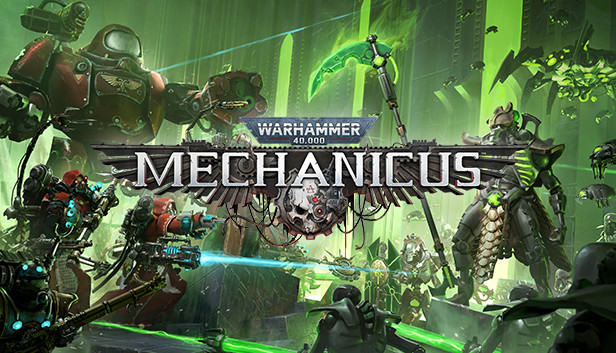
Warhammer 40,000: Mechanicus (US)
€2.83
€7.16
View →
Rockstar Games Launcher
-53%
Red Dead Redemption 2 (Ultimate Edition) (EU/US)
€24.15
€50.96
View →
Steam
-57%
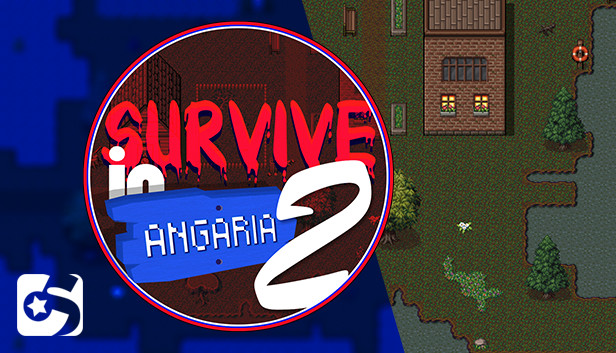
Survive in Angaria 2
€1.06
€2.46
View →
€69.24
€198.02
Instant Digital Key