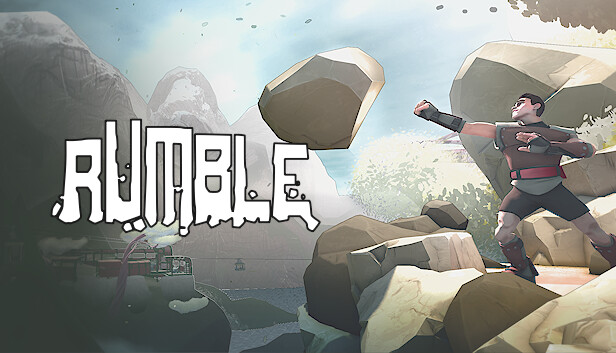
Although RUMBLE is fully playable with a Windows Mixed Reality (WMR) headset, not all of those headsets provide an optimal gameplay experience. We have made a forum post with more information as to which WMR headsets we recommend for playing RUMBLE.
Please visit the Discussions page for more information about the WMR headsets.
About the GameExperience VR combat like you never have before
RUMBLE's physics-based combat system is both functionally unique, and refreshingly intense!
Improve your newfound EARTHBENDING skills in the GYMThe GYM features all kinds of useful tools to help you learn the basics of bending!
Test your mastery against other fighters in the ARENAEngage in intense 1 on 1 battles against other earthbenders in the ARENA!
Customize your fighting style with SHIFTSTONESShiftstones grant you new abilities that further personalize your combat style!
Unlock NEW powers and equipment as you PLAYEarn all kinds of rewards like new moves and new cosmetics just by playing the game!
Begin your EARTHBENDING journey with RUMBLE TODAY!But there is more! RUMBLE also features...
THE PARK
Where you can train, hang around, or even play Minigames with up to 6 players!
CROSSPLAY & CROSS PROGRESSION
No matter what platform you play on, you will be able to play with everyone!
THE ROCK CAM
An in-game handheld camera with which you can create all sorts of fun photos and videos!
Note: The Rock Cam is not available on Linux, and by extension, the Steam Frame.AND MORE IS ON THE WAY!
Stay tuned for what's next, we're still actively updating RUMBLE with all kinds of exciting new features!
- 1 Open the Steam desktop client and log into your Steam account (or open Steam Web Activation ).
- 2 Click Games in the top menu bar, then select Activate a Product on Steam…
- 3 Paste the product key delivered to your HootEmpire Order Vault and click Next.
- 4 Rumble Steam CD Key is permanently added to your Steam library and ready to download.
Verify your account region matches one of the supported regions below before purchasing:
 Worldwide