Steam Vault Features
Eligible for +1 Library Boost
Trading Cards
Supported
Achievements
Not Included
+1 Count / Boost
Counts +1
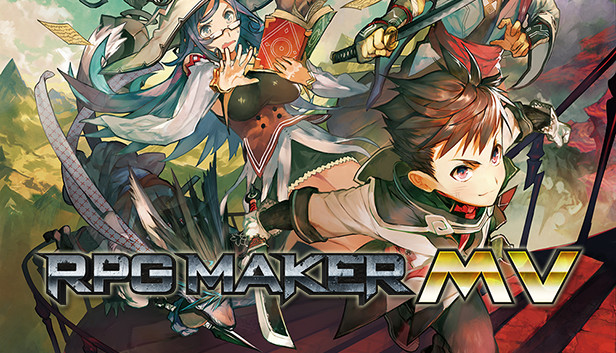
POWERFUL enough for a developer SIMPLE enough for a child VERSATILE enough for any platform!For years, RPG Maker has been the easiest way to make your own Windows PC Roleplaying game. We have strived to give everyone, regardless of experience or skill level, the tools to make a game they could be proud of. Now, with RPG Maker MV, your game isn't just on Windows PC, its on the move. Make your game on your Windows or OS X PC, and then deploy it for iOS, Android, Windows, OS X, or even to play in a browser using HTML5!MAKE GAMES FOR THE PLATFORMS YOU WANT FROM ANY PCRPG Maker MV can run on both Windows and Mac OS X PCs. Users can also export games for the following platforms:
- Windows/EXE
- MacOSX/APP (Mac OSX 10.10 or better. Not supported: macOS Big Sur 11.0 and later.)
- Android/APK
- iOS/IPA
- HTML 5 for Web Browsers
Tags & Genres
#RPG
#RPGMaker
#Game Development
#Anime
#GameMaker
#Design & Illustration
#Web Publishing
#JRPG
#Software
#2D
#Singleplayer
#Pixel Graphics
#Action RPG
#Education
#Multiplayer
#Sexual Content
#Sandbox
#MMORPG
- 1 Open the Steam desktop client and log into your Steam account (or open Steam Web Activation ).
- 2 Click Games in the top menu bar, then select Activate a Product on Steam…
- 3 Paste the product key delivered to your HootEmpire Order Vault and click Next.
- 4 RPG Maker MV is permanently added to your Steam library and ready to download.
Need help redeeming a key? Reach out anytime on our
Support page
or
Discord
.
Verify your account region matches one of the supported regions below before purchasing:
 Worldwide
Keep Exploring
Browse All
Related Keys You Might Like

€14.36
€34.45
Instant Digital Key