Steam Vault Features
Trading Cards
Not Included
Achievements
Supported
+1 Count / Boost
No +1 Count
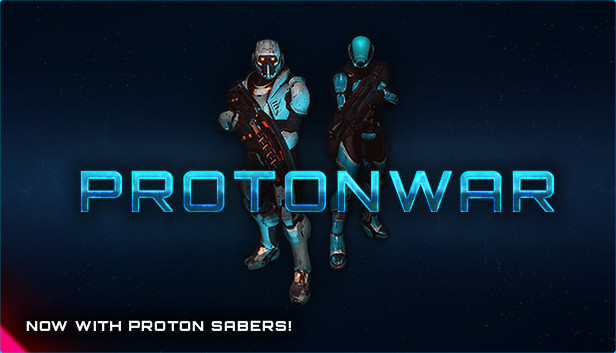
Protonwar is a multiplayer focused, Fast paced AFPS with an emphasis on quick and flowing movement.
Full Room Scale VR with HTC Vive and Oculus Touch. Also included Non-VR and Seated VR.
Play matches in NonVR VS your friends in VR!
Play matches Offline against Bots!!
Locomotion Options for Room Scale VR include a Teleports only mode, and an Advanced mode with multiple locomotion options
WARNING!
Advanced mode may cause VR Sickness for some people, please try the teleport only mode if this is an issue for you!,
Joystick turning with yaw, while using the SpeedBoots mutator is lots of fun, but you will need to work yourself up to a comfortable level first!
Thanks!
Jumping with controller gesture's (physics based)
also, combine a trackpad jump + controller jump to do tricks!!!!
Tricks like - Dodging, Doublejump, Speed jumping (time to strafe jump in vr lads!)
To initiate hold down the climb button, move your controllers down quickly and then release the button, you should quickly get the hang of it, it is all about timing the release correctly. You can use this to push yourself in any direction, for extra fun, jump using the trackpad, then dodge left or right!
Full Climbing!
Finally, if there is a wall you see that looks bad ass, you can climb right up that bad boy! Why? Because you can! and it's fun!
You cannot shoot while you are climbing though, so watch your back!
Also use those mad methods with:
Arm Swing
Player relative
Includes game modes:
Deathmatch
Team Deathmatch
Capture the Flag
Hunt the Flag
Domination
Horde Mode
Included gameplay Mutators such as:
Bullet Time!
Low Gravity
Instagib
Big Head Mode
All Weapons Mode
and more!
Play with a friend, using your friends list for a Steam P2P game. Or host your own using the provided dedicated server executable.
Designed for PC players with extensive customization through UI, Config files and Console commands.
Current levels:
DM-Abyss
DM-Aerowalk
DM-Castle
DM-Hazardous
DM-Ruins
DM-Ruins-Night
DM-Overgrown
DM-TrinityStation
Overgrown
SwampLands
Tags & Genres
#Free to Play
#Action
#Indie
#VR
#Shooter
#FPS
#Arena Shooter
#First-Person
#Fast-Paced
#Sci-fi
#PvP
#Multiplayer
#Singleplayer
#Adventure
#3D
#Asymmetric VR
#Violent
#Battle Royale
#Boomer Shooter
- 1 Open the Steam desktop client and log into your Steam account (or open Steam Web Activation ).
- 2 Click Games in the top menu bar, then select Activate a Product on Steam…
- 3 Paste the product key delivered to your HootEmpire Order Vault and click Next.
- 4 Protonwar is permanently added to your Steam library and ready to download.
Need help redeeming a key? Reach out anytime on our
Support page
or
Discord
.
Verify your account region matches one of the supported regions below before purchasing:
 Worldwide
Keep Exploring
Browse All
Related Keys You Might Like


€168.68
€408.19
Instant Digital Key