Steam Vault Features
Eligible for +1 Library Boost
Trading Cards
Supported
Achievements
Supported
+1 Count / Boost
Counts +1
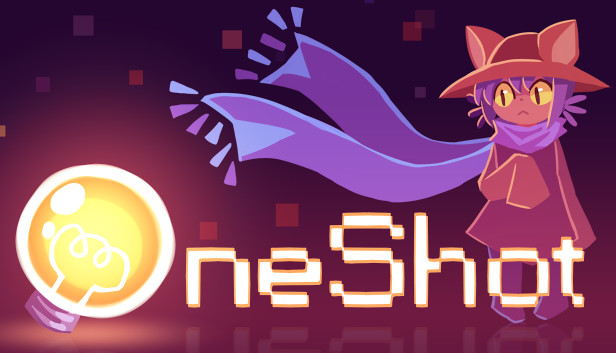
OneShot: World Machine Edition
About the Game
A surreal puzzle adventure game with unique mechanics / capabilities.
You are to guide a child through a mysterious world on a mission to restore its long-dead sun.
...Of course, things are never that simple.
The world knows you exist.
The consequences are real.
Saving the world may be impossible.
You only have one shot.
FEATURES
CONTENT WARNINGAlthough OneShot is not a horror game in the traditional sense, parts of the game may induce some paranoia. Please proceed with caution.CLOSING THE GAME WINDOWDo not worry, it is safe to do so. It only saves your progress.
OneShot: World Machine Edition has made its way to Steam!
This new version places the game within a mock OS, the World Machine OS, allowing the game to be played not only on Windows PCs, but on Steam Deck as well.
It also features many new enhancements, such as upgraded graphics, new UI, full analog movement support, Character profile galleries, cutscene galleries, and much much more!
About the Game
A surreal puzzle adventure game with unique mechanics / capabilities.
You are to guide a child through a mysterious world on a mission to restore its long-dead sun.
...Of course, things are never that simple.
The world knows you exist.
The consequences are real.
Saving the world may be impossible.
You only have one shot.
FEATURES
- Gameplay mechanics that go beyond the game window.
- A haunting original soundtrack and artwork designed to match.
- A unique relationship between a game and its player.
- A lingering feeling that you're not getting the full story unless you know where to look.
CONTENT WARNINGAlthough OneShot is not a horror game in the traditional sense, parts of the game may induce some paranoia. Please proceed with caution.CLOSING THE GAME WINDOWDo not worry, it is safe to do so. It only saves your progress.
Tags & Genres
#Steam
#DigitalKey
#InstantDelivery
- 1 Open the Steam desktop client and log into your Steam account (or open Steam Web Activation ).
- 2 Click Games in the top menu bar, then select Activate a Product on Steam…
- 3 Paste the product key delivered to your HootEmpire Order Vault and click Next.
- 4 OneShot (Steam Account) is permanently added to your Steam library and ready to download.
Need help redeeming a key? Reach out anytime on our
Support page
or
Discord
.
Verify your account region matches one of the supported regions below before purchasing:
 Worldwide
Keep Exploring
Browse All
Related Keys You Might Like

€4.98
€10.56
Instant Digital Key