Steam Vault Features
Eligible for +1 Library Boost
Trading Cards
Supported
Achievements
Supported
+1 Count / Boost
Counts +1
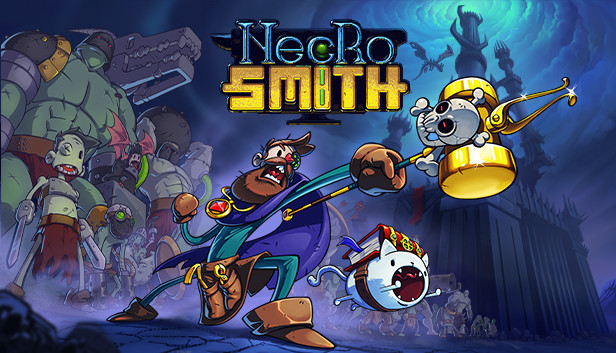
In a dark, dark tower a dark, dark Necromancer is performing a dark, dark ritual as dark, dark clouds swarm… Wait a second! What is a white cat doing here?Assemble the dead Skeletons, zombies, orcs, harpies, elementals, and even robots! Combine the body parts with the appropriate characteristics and attacks to find the perfect combination of survivability, speed, and combat power.
Upgrade your tower Build necro labs to grow body parts and make techno-magic devices to upgrade your army of the dead.
Explore the world Guide your hordes of the undead through more than a dozen biomes to find the keys to escape from this strange world.
Tags & Genres
#Zombies
#Action Roguelike
#Tower Defense
#Bullet Hell
#Roguelite
#Strategy
#Top-Down
#Roguelike
#2D
- 1 Open the Steam desktop client and log into your Steam account (or open Steam Web Activation ).
- 2 Click Games in the top menu bar, then select Activate a Product on Steam…
- 3 Paste the product key delivered to your HootEmpire Order Vault and click Next.
- 4 Necrosmith (Steam) is permanently added to your Steam library and ready to download.
Need help redeeming a key? Reach out anytime on our
Support page
or
Discord
.
Verify your account region matches one of the supported regions below before purchasing:
 Worldwide
Keep Exploring
Browse All
Related Keys You Might Like


€1.03
€2.52
Instant Digital Key