Steam Vault Features
Eligible for +1 Library Boost
Trading Cards
Not Included
Achievements
Not Included
+1 Count / Boost
Counts +1
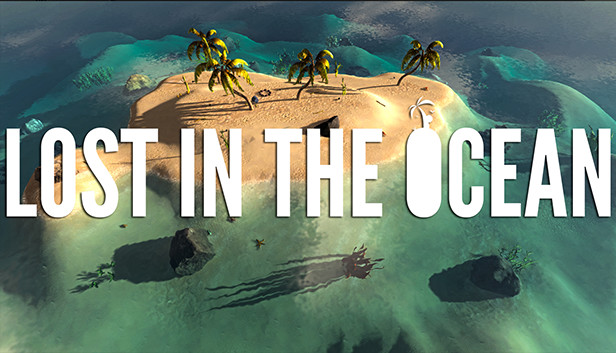
Close your eyes, put your VR headset on, and you’ll become a shipwrecked man, on a tropical island in the middle of Pacific Ocean.
First of all, you have to survive.
That’s because your hunger and thirst will make you suffer, like in real life.
So you have to understand how to satisfy your primal needs, interacting with animals or plants that you will find on the island.
Of course you will need to craft some tools, using rocks, wood, plants, and start a fire to cook or to have light during the night.
But, if surviving is your first objective, the second one is to escape the island. To achieve to runaway, you’ll have to build a raft and face the Ocean’s waves.
Can you handle it?
Tags & Genres
#Indie
#Simulation
#Action
#Adventure
#VR
#Survival
#Crafting
#Exploration
#Realistic
- 1 Open the Steam desktop client and log into your Steam account (or open Steam Web Activation ).
- 2 Click Games in the top menu bar, then select Activate a Product on Steam…
- 3 Paste the product key delivered to your HootEmpire Order Vault and click Next.
- 4 Lost in the Ocean [VR] is permanently added to your Steam library and ready to download.
Need help redeeming a key? Reach out anytime on our
Support page
or
Discord
.
Verify your account region matches one of the supported regions below before purchasing:
 Worldwide
Keep Exploring
Browse All
Related Keys You Might Like

€3.32
€5.40
Instant Digital Key