Steam Vault Features
Eligible for +1 Library Boost
Trading Cards
Supported
Achievements
Not Included
+1 Count / Boost
Counts +1
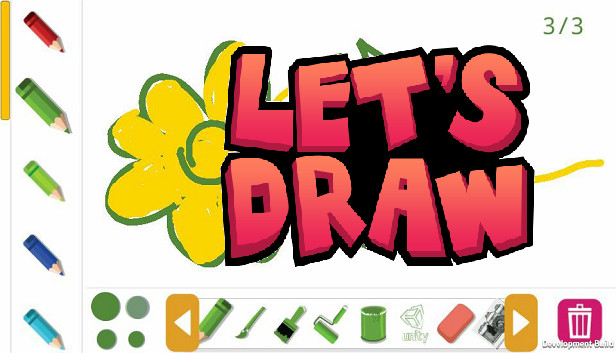
Let's Draw is a drawing game for everyone especially children ...
Key Features
- Tools List :
1. Pencil
2. Brush
3. Paint
4. Paint Roller
5. Paint Can
6. Stamp
7. Eraser
8. Hand
- Bezier Path for Smooth Lines
- Zoom IN/OUT
- 14 Colors
- Trash with Confirm Dialog
- 2D Sprites Used
- 14 Sprites per Tool
- Scrollable Lists
- Scrollable shapes selector
- Drawing Shapes
- Draw saving between Shapes
- Screenshot Print & Export will be added with updates
Tags & Genres
#Casual
#Indie
#Family Friendly
#Singleplayer
- 1 Open the Steam desktop client and log into your Steam account (or open Steam Web Activation ).
- 2 Click Games in the top menu bar, then select Activate a Product on Steam…
- 3 Paste the product key delivered to your HootEmpire Order Vault and click Next.
- 4 Let's Draw is permanently added to your Steam library and ready to download.
Need help redeeming a key? Reach out anytime on our
Support page
or
Discord
.
Verify your account region matches one of the supported regions below before purchasing:
 Worldwide
Keep Exploring
Browse All
Related Keys You Might Like



€1.66
€4.55
Instant Digital Key