Steam Vault Features
Trading Cards
Not Included
Achievements
Not Included
+1 Count / Boost
No +1 Count
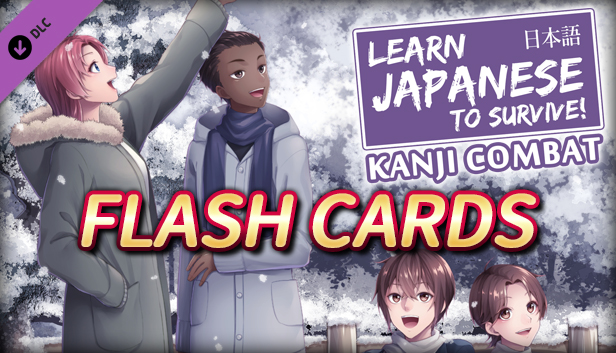
This DLC pack contains 80 double-sided kanji flash cards. These are ready to print at home, and feature artwork from Learn Japanese To Survive! Kanji Combat.
Buying this DLC pack allows you to download a set of flash cards that are suitable for printing. Follow the instructions included to print the cards correctly, and then cut them out to use your new cards in your studies!
Contains 80 flash cards, covering the first set of kanji featured in the game.
[LOCATING YOUR DLC ONCE PURCHASED & DOWNLOADED]
DLC files are downloaded to your game's Steam directory after purchase. The default location is:
\Program Files (x86)\SteamLibrary\steamapps\common\Learn Japanese To Survive! Kanji Combat\
If this is not valid on your computer, locate your game's install directory using these instructions:
- Open the Steam client and navigate to your game library
- Right-click the entry for Learn Japanese To Survive! Kanji Combat and select Properties
- Click the Local Files tab
- Click Browse Local Files
This will open the game's directory, and once your DLC is installed, you'll be able to view the files.
Tags & Genres
#Strategy
#Adventure
#RPG
#Indie
- 1 Open the Steam desktop client and log into your Steam account (or open Steam Web Activation ).
- 2 Click Games in the top menu bar, then select Activate a Product on Steam…
- 3 Paste the product key delivered to your HootEmpire Order Vault and click Next.
- 4 Learn Japanese To Survive! Kanji Combat - Flash Cards (DLC) is permanently added to your Steam library and ready to download.
Need help redeeming a key? Reach out anytime on our
Support page
or
Discord
.
Verify your account region matches one of the supported regions below before purchasing:
 Worldwide
Keep Exploring
Browse All
Related Keys You Might Like



€1.53
€3.52
Instant Digital Key