For text displayed within the game, you can select any of the following languages: - English - French - German - Chinese (Traditional) - Chinese (Simplified) - Japanese How to select the display language 1. From your game library, right-click the game title, and then select Properties. 2. After selecting the LANGUAGE tab, select the language you want to use from the menu. * Select "ENGLISH" here if you want to play in "GERMAN" or "FRENCH" 3. After selecting the PLAY button, from Configuration, launch the configuration tool. 4. If a language configuration item exists within the tool, select the language you want play in. Concerning save data, note that data is separated into the following 3 groups: - English, French, German - Chinese (Traditional), Chinese (Simplified) - Japanese
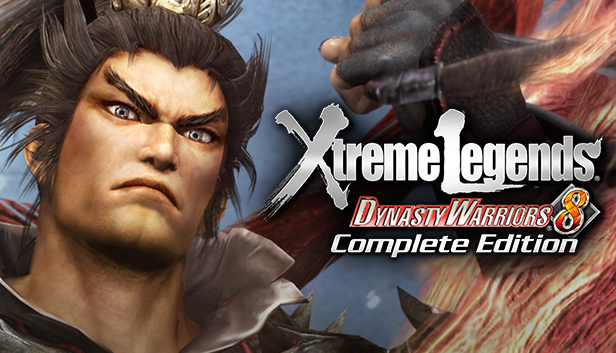
About the Game"Dynasty Warriors 8: Xtreme Legends" introduces entirely new levels of fun to the refreshing gameplay vanquishing swarms of enemies with mighty warriors found in "Dynasty Warriors 8." In story mode, where you can immerse yourself in the vivid tales of the Romance of the Three Kingdoms, it is now possible to play as the mighty warrior "Lu Bu," and embark on a journey that depicts his way of life. Additionally, many new hypothetical scenarios to existing Romance of the Three Kingdoms battles have been added, as well as new playable characters, weapons types, growth/speedrun elements, and more! What's more, a revamped Ambition Mode and completely new Challenge Mode offer whole new ways to enjoy the "Dynasty Warriors 8" universe.
- 1 Open the Steam desktop client and log into your Steam account (or open Steam Web Activation ).
- 2 Click Games in the top menu bar, then select Activate a Product on Steam…
- 3 Paste the product key delivered to your HootEmpire Order Vault and click Next.
- 4 Dynasty Warriors 8: Xtreme Legends (Complete Edition) is permanently added to your Steam library and ready to download.
Verify your account region matches one of the supported regions below before purchasing:
 Worldwide